
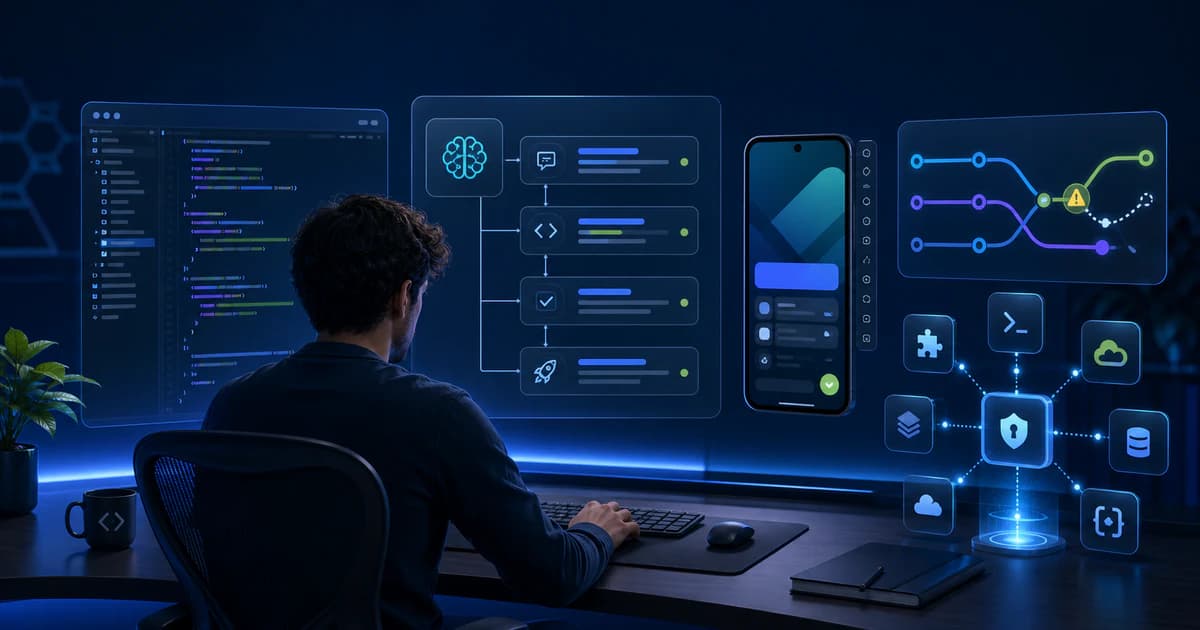
Android Studio Quail 3 Adds Agentic Mobile App Development Tools
Android Studio Quail 3 Patch 1 brings reviewable AI planning, an MCP server marketplace, and agent-assisted merge conflict handling to the stable channel.
Google's August 2026 stable update to Android Studio puts a new class of mobile app development tools inside the everyday IDE. Android Studio Quail 3 | 2026.1.3 Patch 1 is now the current stable download, and its headline workflow changes are aimed at teams using an AI agent for multi-step engineering work: a more reviewable Planning Mode, a built-in marketplace for Model Context Protocol servers, and an agent action for resolving merge conflicts. The patch is not a new Android platform release, and it does not replace Gradle, emulators, profilers, or human code review. Its significance is narrower and more practical: Android teams can now connect, plan, and supervise agentic work without assembling as much of that workflow outside Android Studio.
Google lists Quail 3 Patch 1 as an August 2026 stable release. The patch contains bug fixes, while Quail 3 itself introduces the Planning Mode improvements, MCP Marketplace, and Merge Conflicts with Agent action covered here.
What Android Studio Quail 3 actually ships
The release notes identify Quail 3 as Android Studio 2026.1.3 and Patch 1 as the current stable package. Google documents compatibility with Android Gradle Plugin versions 7.1 through 9.3, which matters for teams that cannot upgrade their build system and IDE in one move. The release is therefore best understood as an IDE and agent-workflow update, not an instruction to retarget an app or adopt a new Android API level. Existing projects can evaluate it against their current Gradle configuration, test matrix, plugins, and security policies. That distinction keeps the upgrade decision grounded: assess the IDE features and fixes separately from any Android 17 migration plan.
- Planning Mode lets a developer inspect and revise an implementation plan before the agent begins making changes.
- MCP Marketplace adds server discovery and installation under Settings > Tools > AI > MCP Servers.
- Merge Conflicts with Agent starts a focused agent session for files that contain conflicts.
- Patch 1 adds a defined set of fixes on top of the Quail 3 feature release.
Planning Mode adds a review gate before implementation
Planning Mode is the clearest process improvement for complex Android work. Google describes it as a multi-stage reasoning flow that gives the agent room to examine its proposed logic before presenting a plan. In Quail 3, the developer can review that plan, discuss mistakes or preferred approaches, add comments directly to it, and ask the agent to regenerate it. Implementation begins only after the developer chooses to proceed. When the work finishes, the agent supplies a summary of the changes. This sequence is useful for tasks such as breaking up a large Activity, migrating screens to Compose, updating navigation, or coordinating changes across app and library modules, because architecture and scope can be challenged before edits spread across the repository.
- Describe the outcome, constraints, affected modules, and required validation in the prompt.
- Review the proposed files, dependencies, data migrations, and test strategy before execution.
- Comment on risky assumptions and request a revised plan when the approach does not match team conventions.
- Approve implementation, then compare the agent's completion summary with the actual diff and test results.
The practical benefit is not that a plan guarantees correct code. It is that the plan becomes an explicit review artifact. A mobile lead can ask whether state ownership is clear, whether a database change needs a migration, whether accessibility tests are included, or whether a feature flag is required. For distributed teams, that creates a common checkpoint before an agent consumes time and changes files. Teams should still preserve their normal pull-request, CI, static-analysis, device-testing, and release-approval controls; Planning Mode supplements those controls rather than satisfying them.
The MCP Marketplace brings external tools into the IDE
Quail 3 also adds an MCP Marketplace. Model Context Protocol servers expose tools or context that an AI client can use, and Android Studio now provides a discovery path in its settings instead of requiring every connection to be configured manually. According to the release notes, the Marketplace tab lists servers available on ModelContextProtocol.io. Developers can switch to a custom registry and filter by server type, including NPX, Docker, or Python. For an Android mobile app development platform, this creates a cleaner integration surface for approved developer services, internal documentation, issue systems, or other tools that a team chooses to make available to its agent.
Marketplace availability is not the same as organizational approval. Treat every MCP server as software with permissions: verify its publisher, source, commands, credentials, data access, network behavior, and update process before connecting it to a production repository.
The release notes document how to discover servers, but they do not certify that every listed server is appropriate for every company. A sensible enterprise rollout begins with an allowlist or a custom registry, least-privilege credentials, and separate test accounts. Security teams should decide whether a server may read source code, execute commands, query production systems, or send context to an external service. Developers also need a repeatable removal and rotation procedure. This governance work is part of choosing modern mobile app development tools; convenience should not make a new tool chain invisible to security and compliance owners.
Agent-assisted merge conflicts target a familiar bottleneck
The Commit tool window now includes a Merge Conflicts with Agent button. When files are conflicted, Android Studio can launch an agent session focused on those files. That can reduce mechanical work when two branches changed imports, generated wiring, or nearby UI code. It is not permission to accept a merge blindly. Conflicts often encode product decisions: two branches may change the same navigation route, database schema, analytics event, or lifecycle behavior in incompatible ways. The agent can propose a syntactically coherent resolution, but the engineer still owns semantic correctness, test coverage, and the decision about which behavior should survive.
Patch 1 makes stability part of the story
The August patch is also a reminder to evaluate agentic tooling as executable software, not as a chat window. Google's closed-issues page lists three Gemini-related fixes for Quail 3 Patch 1: a critical data-loss issue in which an AI agent executed a malformed shell command that deleted drive contents, errors when using Agent Mode with a Gemini Flash 3 model, and an incorrect sign-in prompt in the AI commit-message window. The page classifies these as fixed issues, but the incident supports conservative controls such as backups, protected branches, limited credentials, small diffs, and confirmation before destructive commands. Updating to the patched stable build should be a prerequisite for any Quail 3 pilot.
Practical implications for Android product teams
For teams comparing android studio for mobile app development with a collection of separate AI coding utilities, Quail 3's advantage is workflow proximity. The agent can operate where developers already inspect Gradle sync, source, commits, and emulator results. The Android Developers overview also says the IDE can use built-in Gemini models, compatible providers through user-supplied API keys, and local models through tools such as Ollama or LM Studio. That flexibility may help teams align model choice with budget or data requirements. It does not remove provider review: terms, retention, regional processing, quotas, and model capability still vary with the selected setup.
- Engineering leaders can standardize a plan-first workflow for broad refactors and migrations.
- Platform teams can curate MCP connections instead of leaving every developer to configure integrations independently.
- Developers can use merge assistance for a first pass while preserving code-owner review for behavior-sensitive conflicts.
- Security and IT teams gain a concrete inventory to assess: IDE version, model provider, MCP servers, credentials, and command permissions.
- Quality teams should measure accepted changes, rework, escaped defects, build time, and test failures rather than relying only on subjective speed.
Limitations and cautions before adoption
Quail 3 does not make AI output deterministic, prove that a plan is complete, or validate the business meaning of a merge. The documented feature set also does not promise that every MCP server will install cleanly, remain compatible, or meet a company's privacy requirements. Model access and performance can depend on the provider, account, quota, network, and local hardware. An implementation summary is not a substitute for reading the diff, and an emulator pass is not a complete device or accessibility test. Finally, teams using regulated data or proprietary code need policy decisions before prompts, source context, or tool results are sent beyond an approved boundary.
- Do not grant an agent broader shell, cloud, repository, or production access than the task requires.
- Do not treat a marketplace listing as a security review or support commitment.
- Do not merge agent-resolved conflicts without compiling, testing, and checking the intended behavior.
- Do not mix an IDE upgrade with an AGP or target-SDK migration unless the combined change has a deliberate rollback plan.
A controlled rollout plan for Quail 3 Patch 1
Start with a representative pilot rather than an organization-wide default. Install Patch 1 on a small group of maintained projects, confirm plugin and AGP compatibility, and record the current build and test baselines. Choose one bounded Planning Mode task, one low-risk merge scenario, and—if needed—one reviewed MCP server using non-production credentials. Require developers to capture proposed plans, final diffs, commands run, test outcomes, and any manual corrections. This produces evidence about whether the tools reduce cycle time without increasing rework. Keep the previous approved IDE available until the pilot clears the team's stability and security criteria.
- Update the pilot group to Android Studio Quail 3 | 2026.1.3 Patch 1, not the unpatched base release.
- Verify project sync, builds, tests, emulator deployment, signing workflows, and critical IDE plugins.
- Define which tasks require Planning Mode and which commands always require explicit confirmation.
- Approve MCP servers through a documented owner, version, permission set, and credential-rotation process.
- Compare two to four weeks of delivery and defect metrics before expanding access.
The bottom line for mobile app development tools
Android Studio Quail 3 Patch 1 is a meaningful stable-channel update for teams that want agentic assistance without moving core Android work out of the IDE. Planning Mode creates a useful approval point, the MCP Marketplace simplifies discovery of external capabilities, and focused merge assistance addresses a routine source-control chore. The patch's published fixes also show why guardrails are essential. The best adoption case is therefore disciplined augmentation: use the agent to make plans and reduce mechanical effort, keep people accountable for architecture and behavior, and measure the result. For Android teams, that is a more credible path to better tooling than treating any single AI feature as an autonomous replacement for engineering practice.
Primary sources
- Android Studio Quail 3 — Android Developers
- Android Studio Quail 3 Closed Issues — Android Developers
- AI in Android Studio — Android Developers
Related TensorBlue resources
Prepared with AI assistance, independently written by the TensorBlue Editorial Team, and fact-checked against the cited official Android Developers sources on August 25, 2026. TensorBlue has no stated sponsorship relationship with Google for this article.
Tags
TensorBlue Editorial Team
TensorBlue engineers and editors covering AI, mobile, web, and product development.
Related AI Development Resources
Discover more from TensorBlue's expertise
Mobile App Development
iOS and Android app development
ServiceWeb App Development
Full-stack web applications
ServiceApp Traction & Growth
ASO, marketing, and growth
ServiceMCP Server Development
Model Context Protocol servers
IndustryEducation
EdTech and e-learning platforms
IndustryPublic Sector
Government digital services